Free toolsMonthly report
A monthly social media report that ends with what to post next
Most monthly reports stop at last month’s numbers. The page a client reads twice is the one about next month. The run writes that page for the client’s niche, and every idea comes with the real post it is drawn from.
Director Lite runs the same method on your own assistant. It reads the web as text, so it cannot see covers.
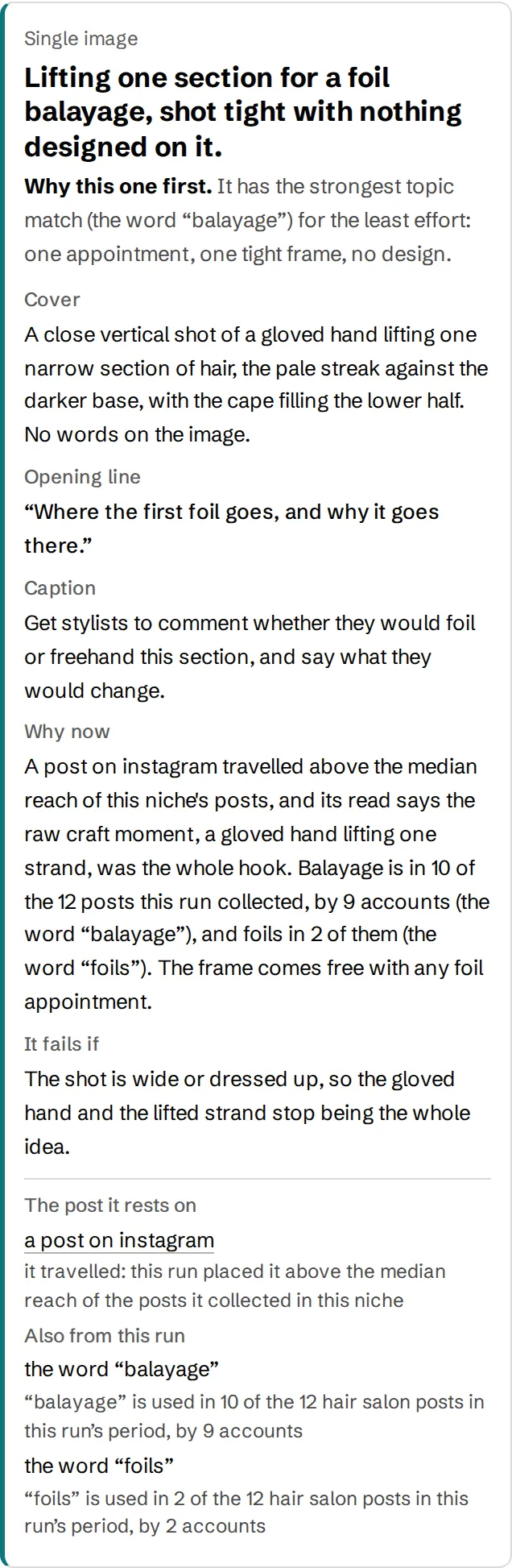
Sample run, a hair salonAccount names removed Read the whole run
Use it
Where it goes in the monthly report
- Put last month’s numbers first, as you do now.
- Run it on the client’s niche and use its page as next month’s plan.
- Next month, report on the posts you made from it. The links show where each idea came from.
What it leaves out. Last month’s numbers. Those come from the client’s own analytics. The run gives you the forward-looking page.
Questions
What people ask first
- How often can I run it?
- The free run is one niche, once. A fresh page every Monday is what The Brief is for, and it is not open yet.
- Does it write the report for me?
- It writes the plan page: what to post, why, and the original each idea comes from. The numbers page stays yours.
Also free: social media audit, competitor analysis.
Free, one niche per email
Get a run on your niche when the Director opens
One page for your niche: posts that work in other niches, redrawn for yours with the original beside each one. Runs go out in the order people confirm.