Free toolsSocial media audit
The half of a social media audit the client’s insights can’t show you
Their insights say how their own posts did. They don’t say what is working for everyone else in the niche this month, and that is the part a client asks about next. The run reads it for you, and every idea links to the post it came from.
Director Lite runs the same method on your own assistant. It reads the web as text, so it cannot see covers.
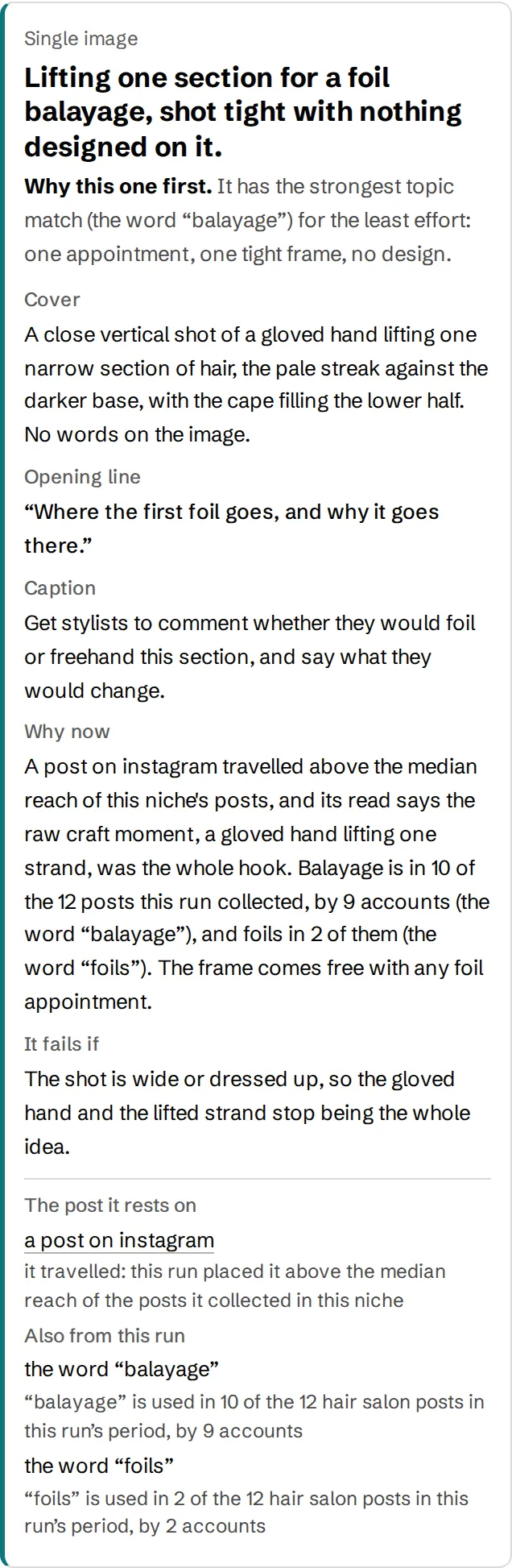
Sample run, a hair salonAccount names removed Read the whole run
Use it
Where it goes in the social media audit
- Run it on the client’s niche, not on their handle. You get what is moving across the accounts in that niche.
- Put the post to make first on the last page of the audit, as the recommendation.
- Keep the links. When the client asks why, you open the post the idea came from.
What it leaves out. The client’s own numbers. Reach, follower growth and what their best post was come from their insights. This is the other half.
Questions
What people ask first
- Does it log in to the client’s account?
- No. It reads public posts in the niche. Nothing needs the client’s password.
- Can I hand the page to the client?
- Yes. Every idea on it carries the post it came from, so the client can check it.
Also free: competitor analysis, monthly report.
Free, one niche per email
Get a run on your niche when the Director opens
One page for your niche: posts that work in other niches, redrawn for yours with the original beside each one. Runs go out in the order people confirm.